Most petrol pump software demos show you a finished screen and skip the part everyone actually worries about: how long does it take to set this up, and what do I have to do every shift?
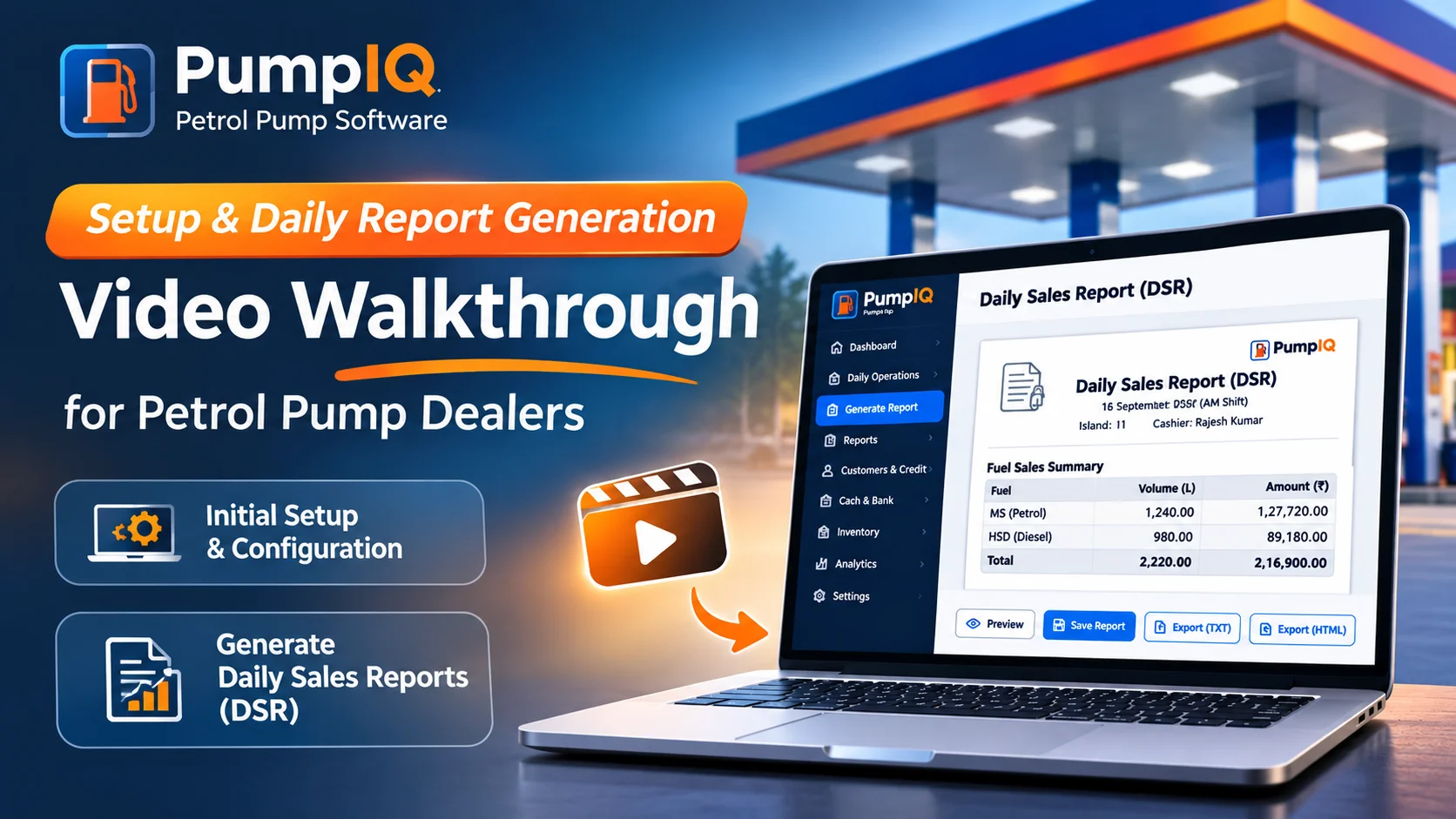
This post answers both with two short videos — initial setup and daily report generation — so you can see the exact work involved before you download anything. If you prefer reading, each video comes with a written step-by-step summary you can follow at your own pace.
Part 1 — Initial Setup: From Fresh Install to a Working Station
The first video walks through everything a new station needs before its first shift: entering your station details, configuring your dispensing units and nozzles, and setting fuel rates so every later calculation is automatic.
PumpIQ initial setup: station details, hardware configuration and fuel rates.
What the setup covers
| Step | What you enter | Why it matters later |
|---|---|---|
| 1. Station details | Retail outlet name, oil marketing company (IOCL, BPCL, HPCL, Nayara, Jio-bp, Shell), dealer name and phone | Names every report, ledger and WhatsApp message correctly |
| 2. Shift configuration | Your working shifts (e.g. Day / Night) and reporting dates | Reports roll up per shift — no manual date maths at month end |
| 3. Hardware configuration | Islands → dispensing units (DUs) → nozzles, with the product each nozzle sells (MS / HSD / XPremium) | Opening/closing meter fields appear exactly as your forecourt is laid out |
| 4. Fuel rates & dip charts | Current selling rates and tank dip charts per tank | Litre-to-rupee conversion and dip-based stock variance become automatic |
Setup is one-time work. Rates change and dip charts get revised, but the island → DU → nozzle structure only changes if your hardware does. Everything after this is daily data entry that takes minutes.
PumpIQ starts with a 14-day free trial with every feature unlocked — you can complete this entire setup and run real shifts before paying anything. No credit card is required to download.
Part 2 — Daily Report Generation: One Shift, Start to Finish
The second video is the one dealers care about most: the complete flow from nozzle readings to a finished Daily Sales Record (DSR), including the cash count and the ledgers that update automatically behind the scenes.
Complete Daily Sales Record generation in PumpIQ — readings to report in minutes.
The shift flow, step by step
- Opening readings — enter each nozzle’s opening meter (previous closing values carry forward automatically, so you only type what changed).
- Testing quantities — record litres used for testing; PumpIQ deducts them from sales so your DSR matches the OMC’s expectation.
- Closing readings — enter closing meters. Net litres per nozzle, per DU and per product are calculated instantly.
- Tank dip — enter today’s dip readings; stock variance against book stock is computed per tank.
- Cash count & digital payments — denomination-wise cash count plus UPI / card collections.
- Credits & oil sales — fuel given to credit customers and lubricant sales for the shift.
- Preview & generate — check the report preview, then generate. That single action produces the DSR and updates every ledger.
What one click generates
- The Daily Sales Record — shift-wise, in the format your OMC expects, saved as a shareable file.
- Updated Excel ledgers — Daily INR Sales, Petrol & Diesel daily sales, Oil Inventory, and the Credit Ledger all sync automatically.
- Cash reconciliation — expected vs. counted cash with variance highlighted, so shortages surface the same shift, not at month end.
Report generation is dual-written: every figure goes into your Excel ledgers and an internal SQLite store, so historical reports stay consistent even if a workbook is opened or edited elsewhere. You never re-type a figure you already entered.
Try It on Your Own Data
Watching is faster than reading, but running it on your own station’s readings is the only real test. The 14-day free trial includes every feature — reminders, WhatsApp integration, ledgers, reports — with nothing locked:
- 📥 Download PumpIQ for Windows — free trial, no credit card required
- 📘 New to DSR structure? Start with our petrol pump software guide
- 🧾 Deep dive on credit parties and outstanding tracking: petrol pump accounting software guide
Set it up today, run tonight’s shift through it, and compare tomorrow’s report against your register — that’s the whole evaluation.